
User Management & Access Control
Complete control over roles, access, and permissions
Key Benefits
What you'll achieve
Ideal For
Perfect use cases
Everything included in Users
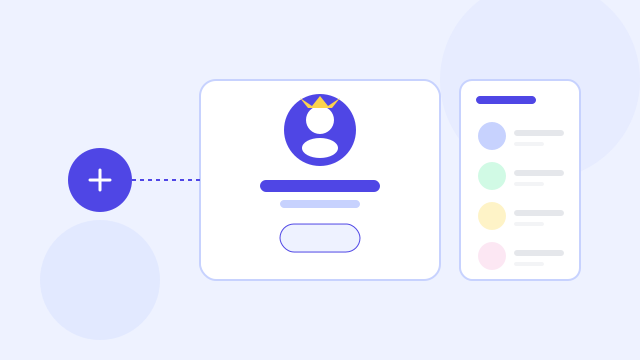
User Management provides complete control over roles, access levels, and data permissions. Administrators can create users, assign them to applications, and define granular visibility rules. Record access ensures users only see data relevant to their assigned workflows. Status controls allow quick deactivation during turnovers or security events without losing history. Detailed activity logs offer transparency into user operations and behavior. This ensures the platform remains secure, organized, and fully compliant. Ideal for teams handling sensitive information and high-volume operations.
Create Users
Admins can create users with essential information including name, email, phone, and role. This keeps onboarding simple and structured. User creation flows tie into app-level permissions. Ensures users have appropriate access from day one.
Assign Apps & Roles
Users can be assigned Admin or FormWizer roles at the application level. This ensures each person accesses only what they should. Clear role-based control supports security and operational efficiency. Prevents accidental changes or unauthorized access.
Record Access Permissions
Define whether a user can access all records or only those of their assigned primary users. This keeps sensitive recipient data isolated. Perfect for teams handling confidential client or employee information. Ensures compliance and privacy.
Status Management
Activate, deactivate, or restrict users without removing their historical activity. Deactivated users cannot log in but remain visible for audit trails. This helps organizations manage staff turnover. It avoids losing critical historical data.
Deactivate/Delete User
Admins can deactivate a user temporarily or delete them permanently. Deactivation maintains records; deletion removes future access entirely. These controls help maintain clean user lists. Useful during restructuring or employee exits.
Activity Monitoring
Review user-level activity to understand who performed what actions. Activity logs reveal access attempts, template sends, edits, and updates. This transparency helps detect misuse or errors quickly. Ensures reliable compliance and governance.
Explore related features
Discover more capabilities that work great with Users
Compliance, Security & Audit Logs
Enterprise-grade security with complete audit trails

Multi Application Management
Manage multiple business applications from one unified account

Template Management
Build reusable, secure document workflows for any business process